

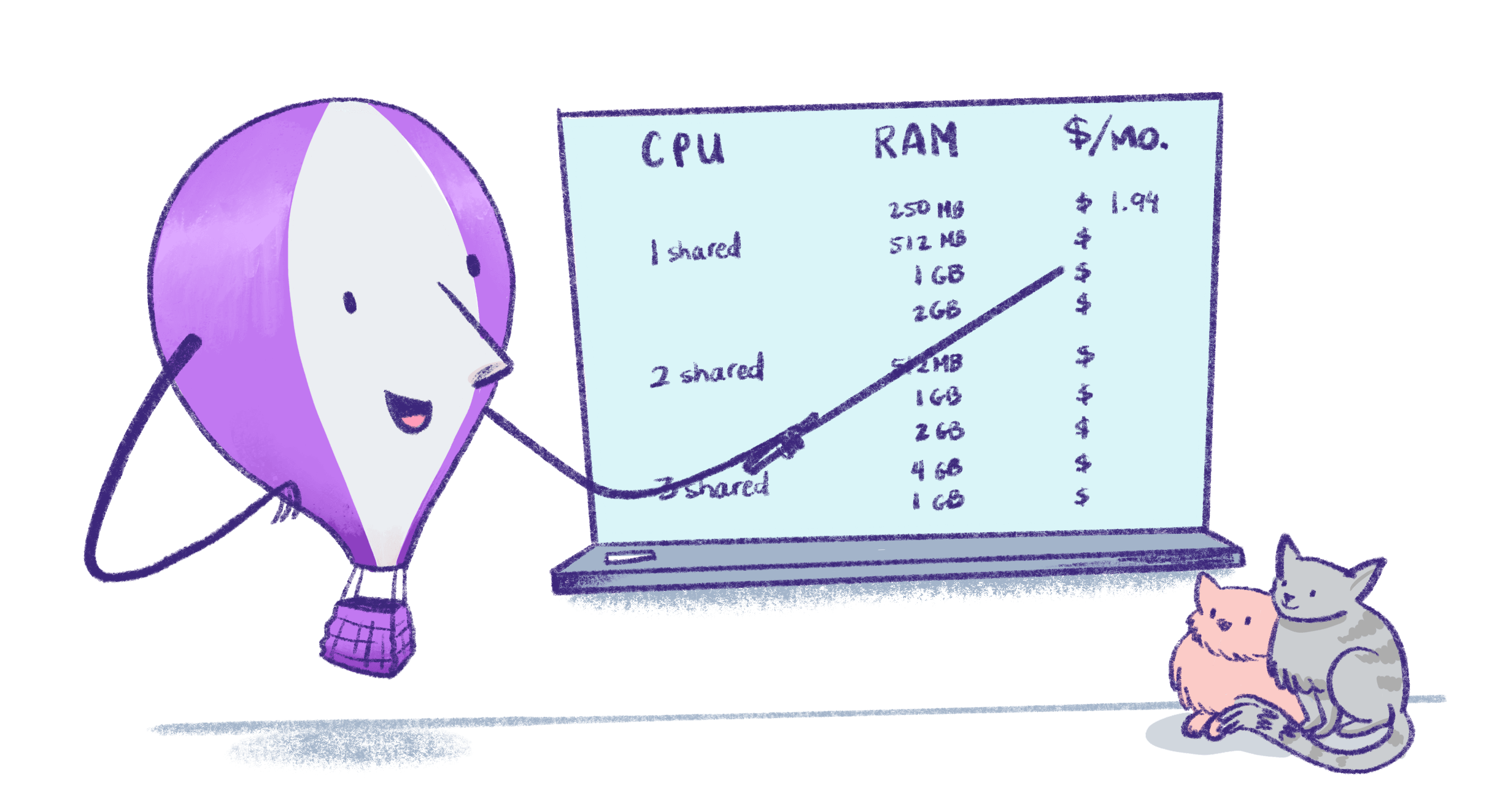
Everything we bill for
Prices are in USD. Machine prices in this table are for Ashburn, Virginia (iad) and Secaucus, NJ (ewr), our lowest-priced regions. Machine prices vary by region; see Started Fly Machines for the full list.
Monthly Machine prices assume 30 days of continuous runtime. Machines are billed by the second while they’re running, so an always-on Machine costs slightly more in a 31-day month.
New organizations use Pay As You Go pricing. There’s no monthly platform fee; you pay for the resources and services you use.
What does a typical app cost?
Here are three example apps and what they’d cost per month. We use Ashburn (iad) for the examples unless otherwise noted, and assume the Machines run continuously. Traffic and storage marked “assumed” are example workloads, not included allowances. You can use the pricing calculator to estimate costs for your own app.
If your Machines auto-stop when they’re idle, your compute costs can be lower. You pay for the time a Machine is running and for its rootfs while it’s stopped. If the Machine runs all month, you’ll pay the full always-on cost shown here. See Cost Management for more ways to estimate and control your bill.
A small web app with Managed Postgres
The app and database run in the same region, so data transfer between them is free. The app also uses a shared IPv4 address, which is free.
In this example, Managed Postgres accounts for most of the bill. The app Machine and its 10GB volume cost $5.19 per month.
A Discord bot or background worker running 24/7
This example doesn’t use a volume, database, or dedicated IPv4 address, so there’s nothing else to pay for. If the worker needs more memory, a
shared-cpu-1x Machine with 512MB costs $3.69 per month when running continuously.
An app running in three regions
Suppose an app runs one 1GB Machine each in Ashburn (iad), Frankfurt (fra), and Singapore (sin). Each Machine serves 50GB of traffic to users and sends 10GB of private network traffic to Machines in other regions during the month.
Machine prices vary by region, which accounts for the different compute costs above.
Cross-region private network traffic between Machines is billed in both directions. The request is billed at the rate for the region it leaves, and the response at the rate for the region it leaves. So if a small request returns a large response, most of the cost is at the responding region’s rate. Traffic between an edge server and a Machine in another region is the exception: both directions are billed at the rate for the edge server’s region.
This example uses granular data transfer pricing. Organizations created before July 18, 2024 that haven’t switched to granular pricing pay the public internet rate for cross-region traffic instead. See data transfer pricing.
Is there a free tier?
No. New organizations don’t have a free tier or a monthly free usage allowance. But if your personal organization’s monthly bill comes to less than $5, we waive it. See Free Waiver. New accounts do get a free trial: $1 of credit for Machines, Sprites and Managed Postgres, which lasts for 7 days or until you use it up. You don’t need a credit card to start the trial. After the trial ends, you’ll need to add a credit card to keep using billable resources. The cheapest always-on app is ashared-cpu-1x Machine with 256MB of RAM in Ashburn (iad) or Secaucus (ewr). It costs $2.19 per 30 days of continuous runtime, plus any outbound data transfer ($0.02/GB in North America and Europe).
Some resources and allowances are free even after the trial ends. These include the first 10GB of volume snapshot storage each month, the first 10 single-hostname SSL certificates, inbound data transfer, shared IPv4 addresses, and IPv6 addresses.
Organizations on plans discontinued in October 2024 keep the free allowances included with those plans. See Discontinued Plans.
How it works
Fly.io services are billed per organization, with Linked Organizations reporting resource usage to their parent Billing Organization. Plans get complicated, so we just charge based on usage. Pick and choose which pieces you need for your application; that’s all you’ll see on your invoice. Organizations are administrative entities on Fly.io that let you add members, share app development environments, and manage billing. Billing is based on the resources provisioned for your apps, pro-rated for the time they are provisioned. Organizations may be subject to automated scaling limits to prevent abuse or to help with capacity planning. Email the address in the error message if you run into such a limit and it’s getting in your way. All organizations (except for Linked Organizations) require a credit card on file.Compute
We charge for started and stopped Machines differently. For more details about how costs are calculated, see Machine billing. To understand the difference betweenperformance and shared CPU types in Machines, see CPU performance.
Started Fly Machines
Stopped Fly Machines
For stopped Machines we charge only for the root file system (rootfs) needed for each Machine. Each 1GB of rootfs for a Machine stopped for 30 days is $0.15. The amount of rootfs needed is defined by your OCI image generated on your app plus a few containerd tweaks on the underlying file system.Machine reservation blocks
Reserve Machine CPU and RAM usage for 12 months to get a discount. There are two kinds of reservation block:
Both kinds of reservation block:
- Are backdated to the first day of the month you buy them in, so you get that month’s full credit.
- Give you a credit each month that’s only valid for that month. Unused credit doesn’t roll over.
- Cover only Machine CPU and additional RAM charges.
- Are non-refundable.
Regional
A regional reservation block applies to any number of Machines of one CPU class, in one region, in any of your organization’s apps. You pay for 12 months upfront and get a 30% discount. There’s no limit on the number or combinations of blocks that can be purchased. The available reservation sizes are: Performance Machines- $168/year for $20/month of usage
- $1,680/year for $200/month of usage
- $16,800/year for $2,000/month of usage
- $42/year for $5/month of usage
- $420/year for $50/month of usage
- $4,200/year for $500/month of usage
shared Machines block in cdg, you’ll pay $42 upfront and receive $5/month of credits applicable to shared Machines in cdg for 12 months, starting with the month of the purchase. Amortised over 12 months, the $42 upfront cost is $3.50/month, which is a 30% discount on the $5/month of credits you receive.
To buy a regional block:
- On your organization’s Billing page, select Buy Reservations and choose Regional.
- Choose a Machine class, a region and a monthly CPU/RAM credit.
- Review the reservation, then confirm. The payment is charged straight away.
Global
A global reservation gives you a monthly credit for Machines in every region, bothshared and performance. You commit to 12 months, and either pay upfront for a 20% discount or pay monthly for a 10% discount.
You can choose any whole-dollar monthly credit from $100 to $50,000. For a larger reservation, email billing@fly.io, or your support email address if you have a support plan. Some examples:
How payment works:
- Pay upfront: one payment for all 12 months, charged when you buy.
- Pay monthly: the first month is charged when you buy, and each later month is billed on the 1st. All 12 monthly payments are due, even in a month where you use less than your credit.
- On your organization’s Billing page, select Buy Reservations and choose Global.
- Choose Pay upfront or Pay monthly, and enter a monthly CPU/RAM credit.
- Review the 12-month commitment, then confirm.
Managed Postgres
The price of running Fly.io Managed Postgres depends on your selected Managed Postgres Plan and the amount of storage your databases use. Current pricing for Managed Postgres plans and storage is available here.Persistent Storage Volumes
Volumes
Fly Volumes are local persistent storage for Machines.- $0.15/GB per month of provisioned capacity
Volume Snapshots
- $0.08/GB per month
- First 10GB free each month
App builders
Fly.io offers two builders for creating Docker images from your app’s source code: Depot (the default) and Fly builders (fly deploy --depot=false). Both run on Linux x86_64.
There’s currently no charge for builders. You aren’t charged for build time, resources, or cache, whether a build succeeds, fails, or is canceled.
There’s currently no charge for storing images in the Fly.io registry or for data transfer when Machines pull images from the registry. Images used by existing Machines are retained. Images that aren’t used by any existing Machines may be deleted.
To build an image without deploying your app, use fly deploy --build-only. To also push the image to the Fly.io registry, use fly deploy --build-only --push.
We may start charging for builders or registry storage in the future. If we do, we’ll give you advance notice before any charges apply.
Network prices
Anycast IP addresses
Each application receives a shared IPv4 address and unlimited Anycast IPv6 addresses for global load balancing. Dedicated IPv4 addresses are $2/mo.Managed SSL certificates
We use Let’s Encrypt to issue certificates, and donate half of our SSL fees to them at the end of each calendar year.- Single hostname certificates: $0.10/mo
- Wildcard certificates: $1/mo
Data transfer pricing
We bill for data leaving your app destined for the public internet or for apps or Machines in other regions, including:- Data egress to the Internet, from Machine to edge server to Internet
- Data transfer over private network between Machines in different regions
- Data transfer between an edge server and a Machine in a different region, in both directions. This happens when a user’s request reaches an edge server outside the Machine’s region.
- Data transfer to some extensions like Upstash Redis
- All inbound data transfer
- Data transfer between apps or Machines in the same region (for organizations using granular data transfer rates)
- Data transfer from apps without an assigned IP address (for organizations not using granular data transfer rates)
sin) and your only Machine is in Ashburn (iad), the request and the response between those regions are both billed at the Asia Pacific rate.
Important: Organizations created after July 18 2024 are automatically opted-in to use the granular data transfer rates and are billed at a different rate for private network data transfer between regions, per the following table. Organizations not using granular data transfer rates are billed for all data transfer (excluding that listed as free above) at the “Egress to public internet” rate.
To opt-in to granular bandwidth pricing, go to the Organizations page in the dashboard, click the organization name to change, then click Switch to granular bandwidth pricing. You won’t be able to return to using the non-granular data transfer rates once you opt in.
Static Egress IPs
Static egress IPs provide dedicated outbound IP addresses for your app’s Machines in a region. When you allocate a static egress IP, you’ll get both an IPv4 and IPv6 address for this single price.- $0.005 per hour (~$3.60/month)
- Machines do not have a static IP by default
Support
Community support is included for all customers, regardless of usage level. You can get access to a support plan by purchasing a Standard ($29/month), Premium ($199/month), or Enterprise (starting at $2500/month) package in the Support section of your dashboard. For more about Support, see Support at Fly.io.Extensions
Fly.io offers managed services operated by third parties, such as Tigris Object Storage and Upstash Redis. When you provision their services, you become their customer, and you pay their list prices via your monthly Fly.io bill. Charges are updated daily in your Fly.io dashboard. You will not be billed separately for:- Machines running the services, which are hosted in the provider’s account
- IP addresses associated with the service
Unsupported Products
Unmanaged Fly Postgres (Unsupported)
Fly Postgres is a PostgreSQL database that you create and then manage yourself. Fly Postgres clusters are Fly Apps that consist of Machines, volumes, and any configured extra memory. The Machine price and volume price for Fly Postgres are the same as any other Machine and volume you’d run on Fly.io. Assuming the Machines are running all the time, the cost for the preset configurations is about $2/month for a single node cluster for dev projects and from about $82 to $164/month for a three-node production cluster. You don’t need to keep the preset configurations, you can scale your Fly Postgres Machines to suit your workload at any time.Legacy plans
On a legacy plan and wondering what that includes? Read more about Discontinued Plans.Related reading
- Billing for Fly.io How invoicing, payment methods, and usage tracking work.
- Cost Management Best practices for estimating, monitoring, and controlling your spend.
- Free Trial What the Fly.io Free trial gives you and when billing begins.
- Organization Roles & Permissions How org structure, permissions and billing interplay.
- Optimize Compute Costs: Fine‑tune your app Tuning machine size, memory/CPU, and stop‑/start behavior to reduce waste.